
Withdrawing GRAM (ex Toncoin) from staking (unstaking)
To unstake GRAM from Tonstakers, you need to hold tsTON in your wallet.
Why is tsTON needed for withdrawal?
tsTON represents your share in the Tonstakers staking pool. During unstaking, tsTON is redeemed for your originally staked GRAM along with all accumulated rewards.
How to unstake GRAM from Tonstakers?
1. Go to the Unstake page and connect your wallet with tsTON in it.
2. Enter the amount of GRAM you want to unstake.
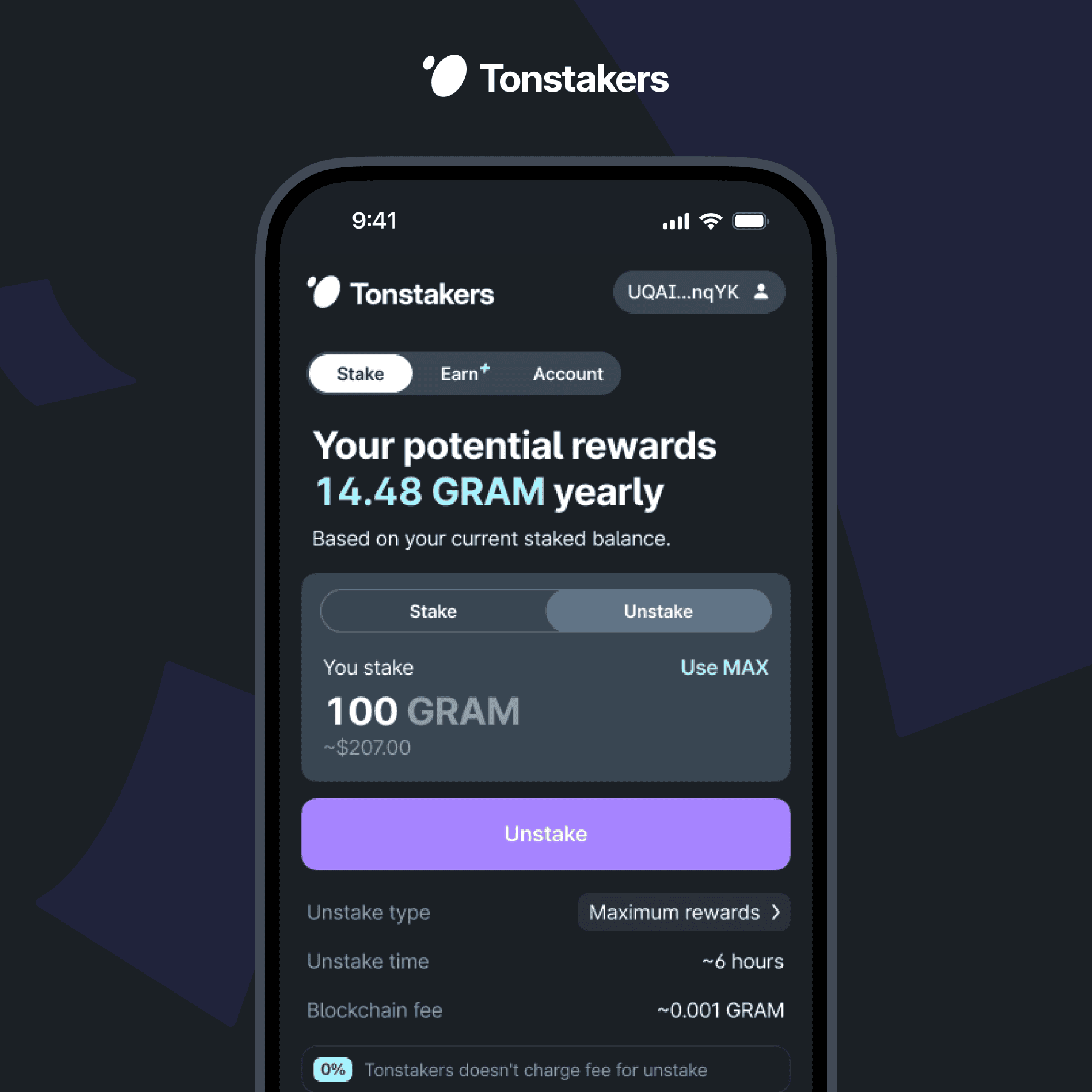
3. Select the unstake type if needed.
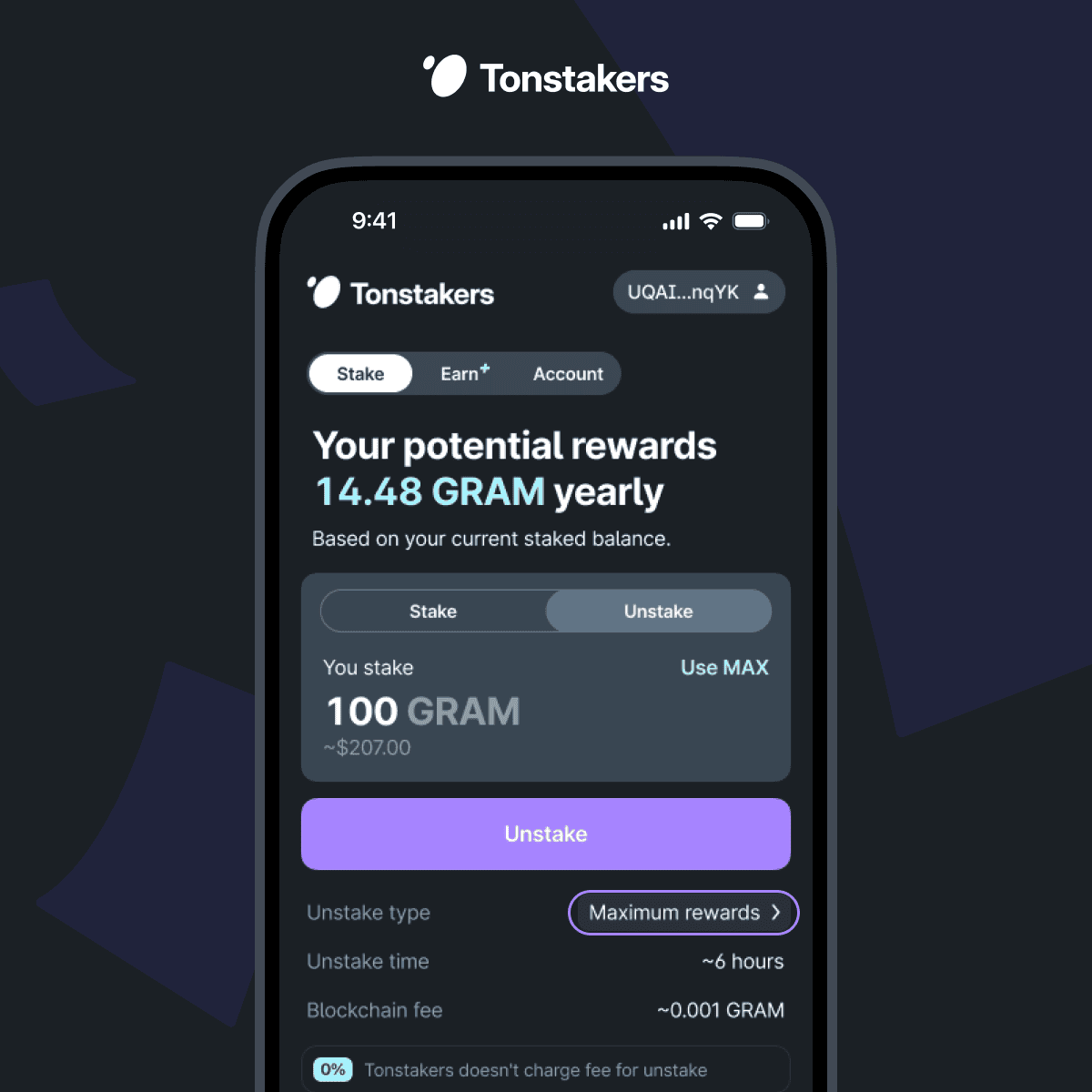
4. Press the Unstake button, confirm the transaction, and wait for the withdrawal to complete.
What unstake types are available?
Tonstakers supports two unstake types:
Instant: GRAM is returned immediately from the available liquidity in the pool. This option is available via the Tonstakers app or Telegram Mini App and is only possible if there is sufficient liquidity in the pool. The current liquidity level can be viewed on the Unstake page.
Maximum rewards (default): Tonstakers creates a service NFT receipt and completes the unstaking within ~18 hours after the validators return at the end of the cycle. Do not transfer or sell the NFT or the withdrawal will be interrupted.
We recommend choosing 'Maximum rewards' if you are not in a hurry. Unlike Instant unstake, it waits for the current validation cycle to complete, ensuring you receive all accumulated rewards before withdrawal.
 Previous
 Next
Next